Dates, spots and iCal calendar
Free tour calendar: days with no spots, dates and times, weekly repeat and sync with Regiondo and iCal.
How it works
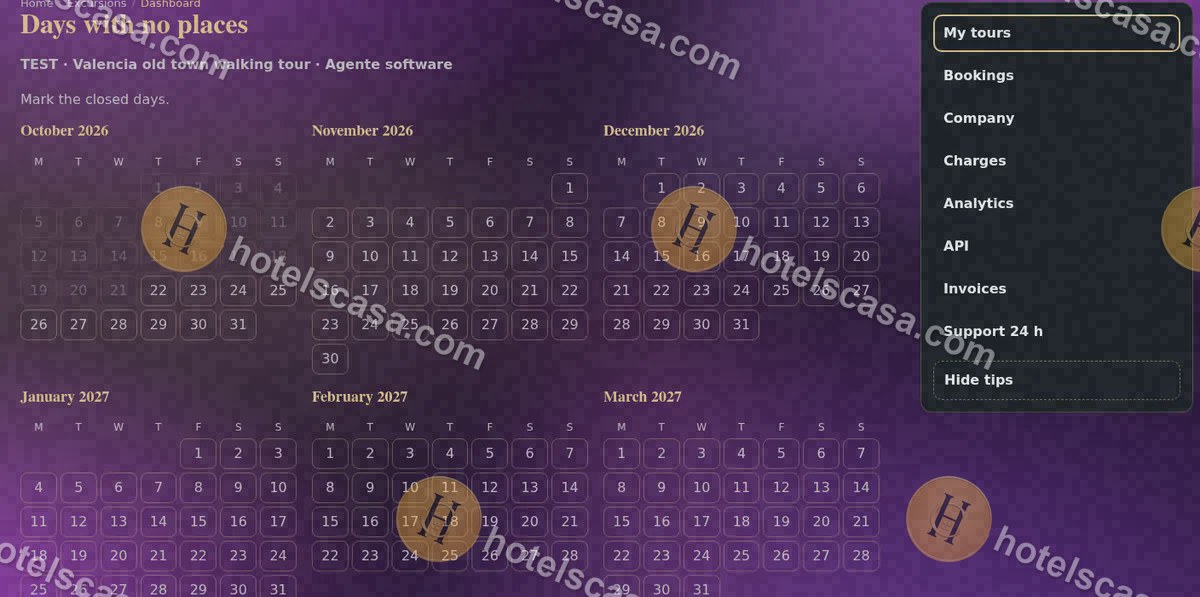
Step 1
In “Days with no spots” mark the closed days.
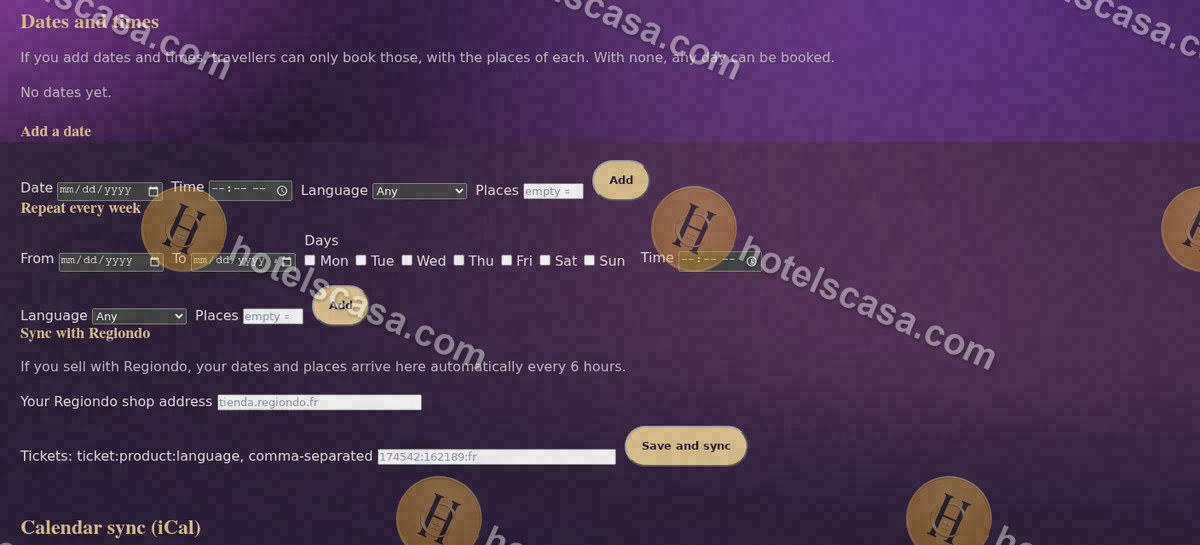
Step 2
In “Dates and times” add dates or repeat every week, with their spots.
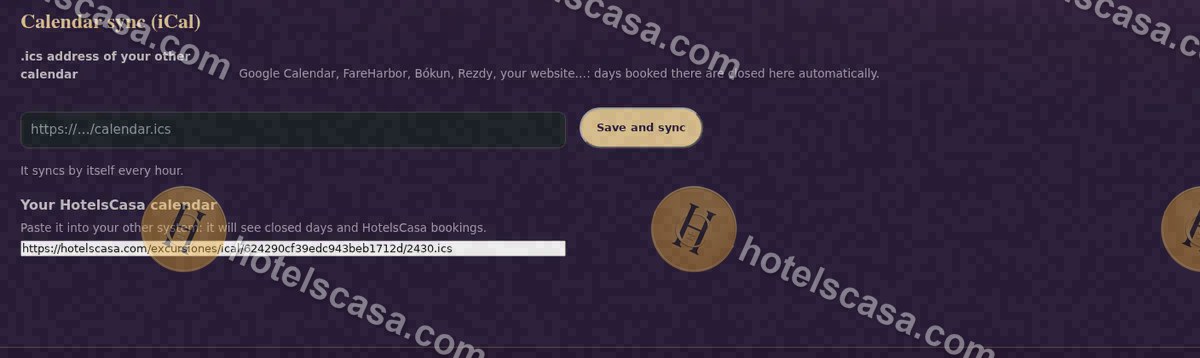
Step 3
Sync with Regiondo or with any calendar by iCal.
Searches: tour booking calendar · iCal sync for tours · #TourCalendar #iCal
Frequently asked questions
What if I sell on other websites?
With iCal or Regiondo the dates sync on their own: you never sell the same spot twice.