Requests and chat with the customer
All rental requests and bookings, gathered in your dashboard and your email: confirm them and talk to the customer in the booking chat.
How it works
Step 1
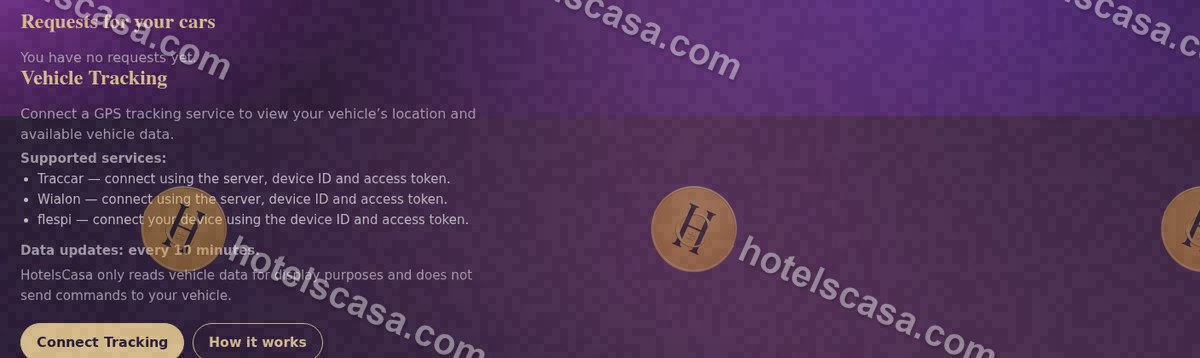
Requests arrive in “Requests for your cars” and in your email.
Step 2
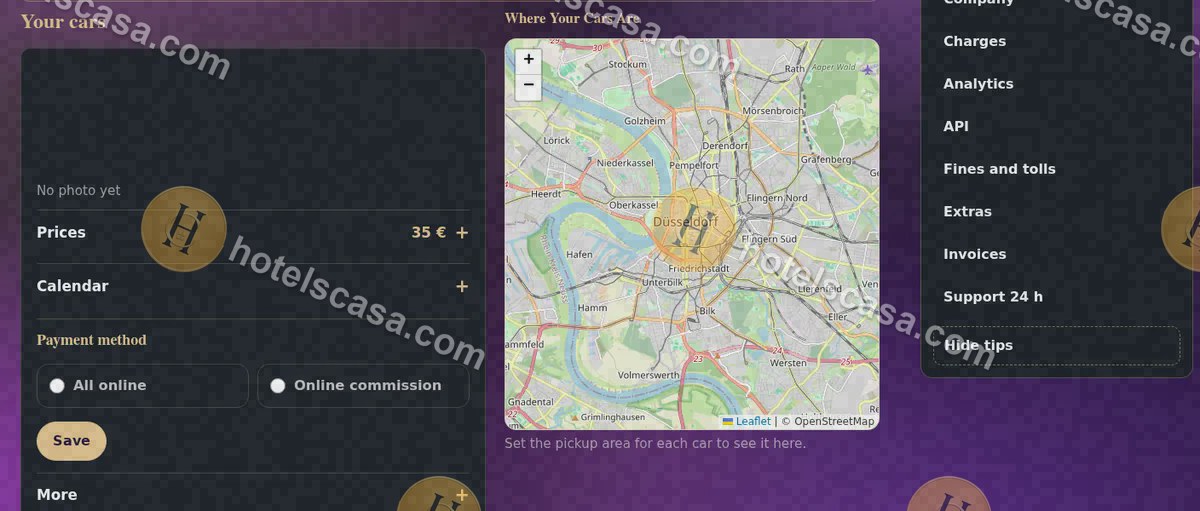
You confirm or decline; in “Payment method” you decide whether the customer pays everything online or only the part that covers the commission.
Searches: car rental booking management · chat with rental customers · #OnlineBookings #RentACar
Frequently asked questions
Is my phone number published?
No. Your phone number and email are never published: the customer talks to you in the booking chat.