Calendar and iCal sync
Free booking calendar for car rental: free and booked dates for every car and two-way iCal sync.
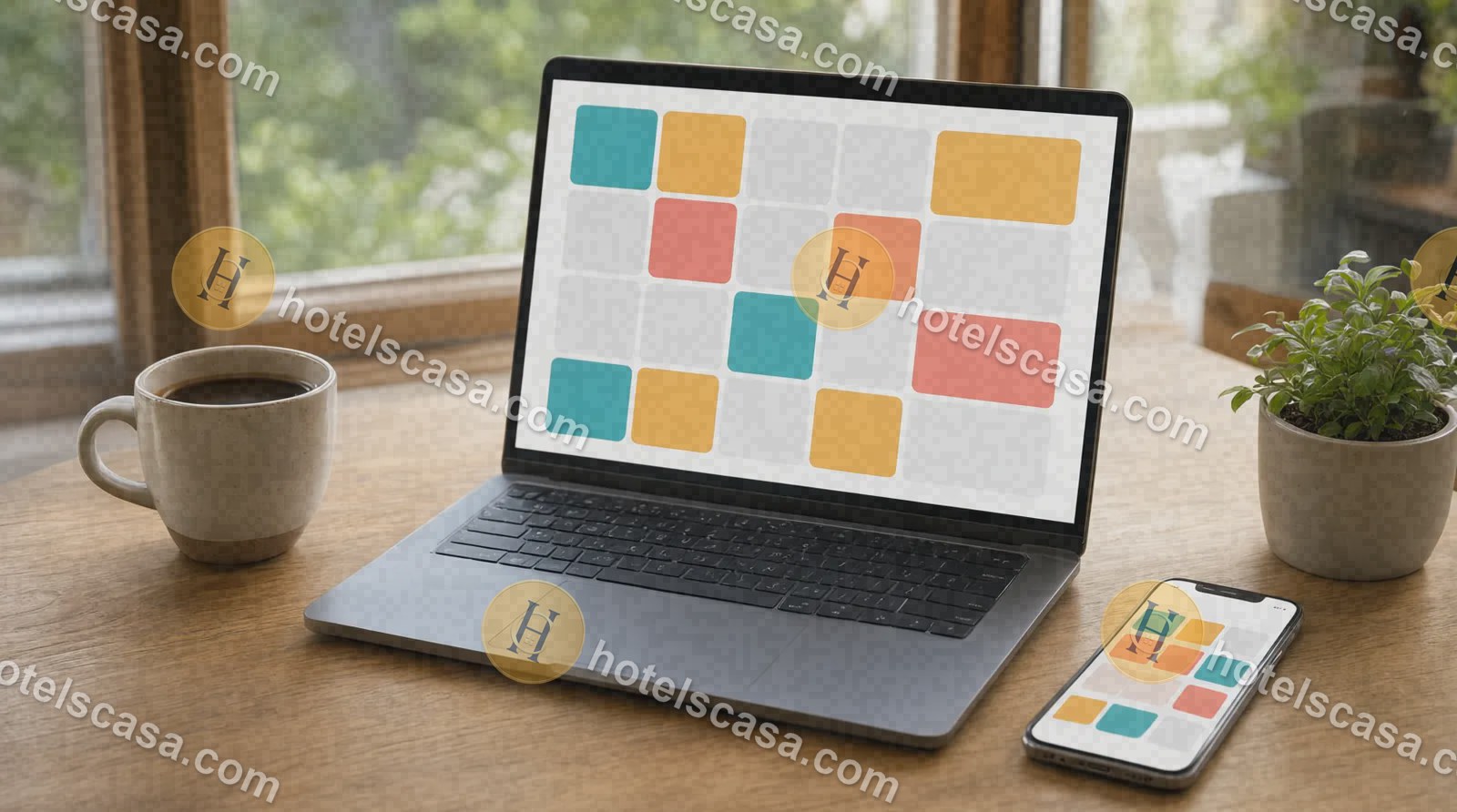
How it works
Step 1
Open “Calendar” on each car: mark free days, booked days and hours.
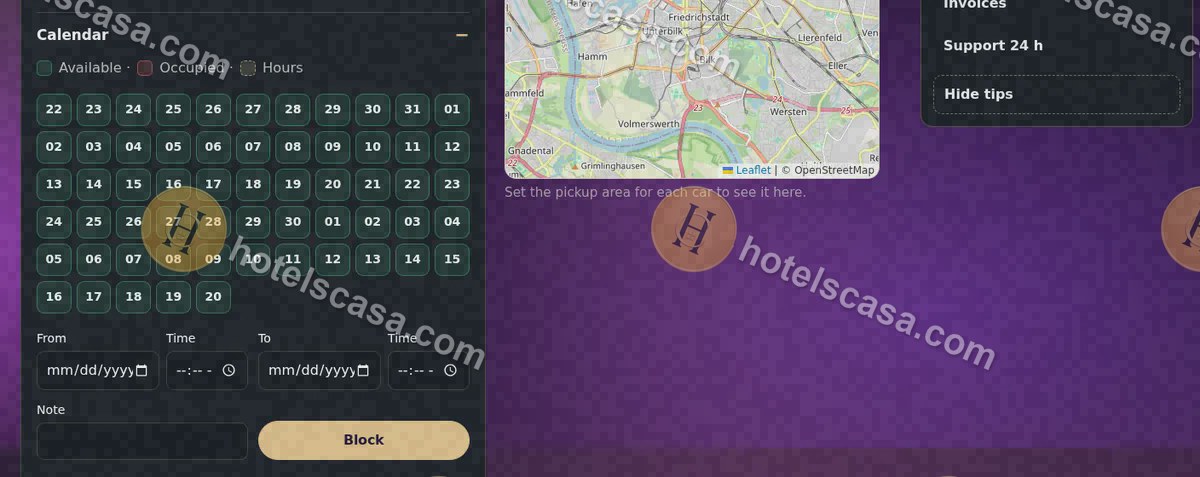
Step 2
In “Price calendar” you see and change the price of each day.
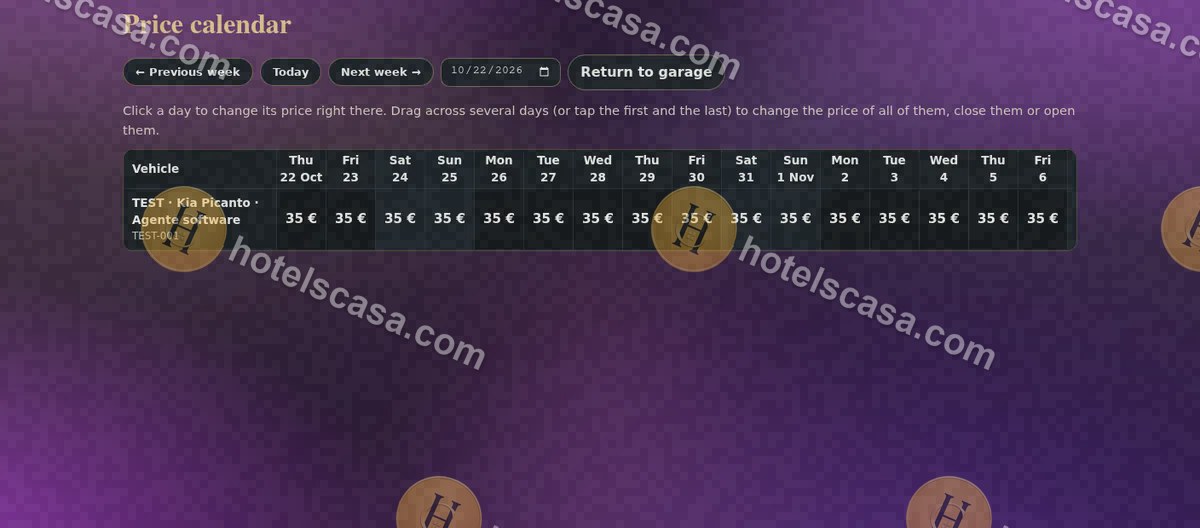
Step 3
In “Calendars from other websites” paste the iCal link of your other platform; paste “Your HotelsCasa calendar” over there.
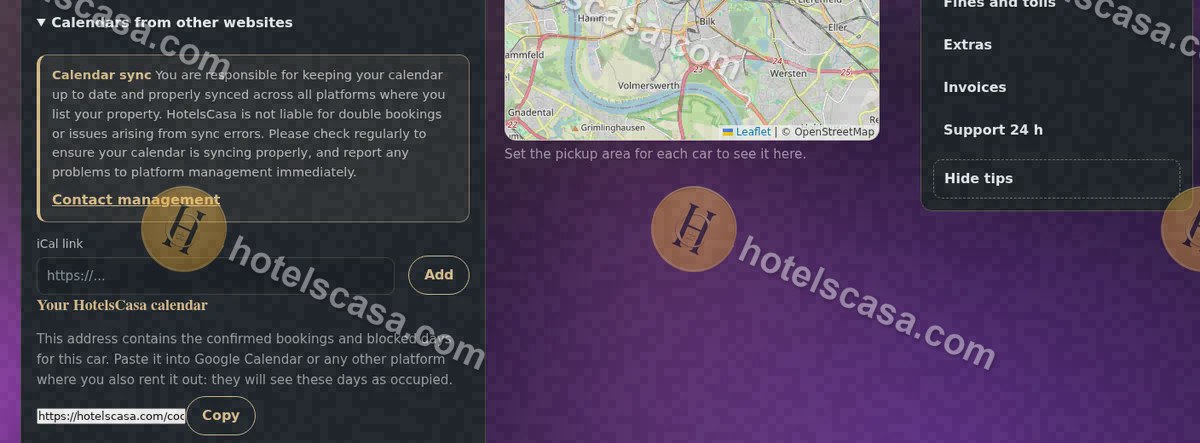
Searches: free booking calendar for car rental · iCal sync for rental cars · #BookingCalendar #iCal
Frequently asked questions
Does it sync with other platforms?
Yes, by iCal in both directions: what is blocked there is blocked here, and our bookings appear in your calendar.